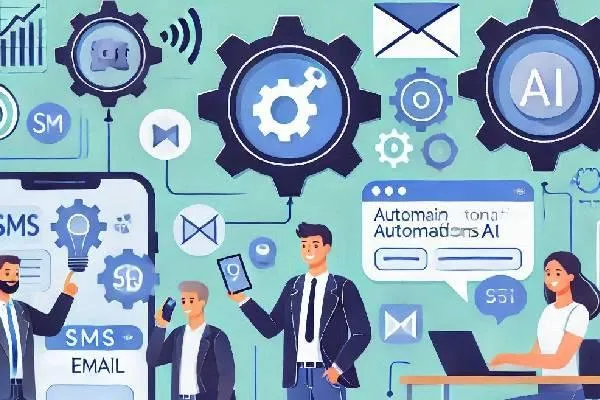
Create SMS & Email Automations with Automation Partners AI for Business Efficiency
Creating SMS and Email Automations with Automation Partners AI
In today’s fast-paced business environment, staying connected with your customers is more critical than ever. Automation Partners AI simplifies this by allowing you to create SMS and email automations that save time, increase engagement, and ensure your communications are timely and relevant.
What Are SMS and Email Automations?
SMS and email automations are workflows that automatically send messages or emails based on predefined triggers. These triggers could be customer actions, specific dates, or even the absence of engagement.
For example:
Sending a welcome email when a new customer signs up.
Sending a reminder SMS for an upcoming appointment.
Following up with a customer who abandons their cart.
Automation ensures consistency and helps businesses stay top of mind with their customers.
Why Use Automation Partners AI for Automations?
Automation Partners AI provides an intuitive platform for creating powerful SMS and email automations. Here’s why it stands out:
Ease of Use: Drag-and-drop workflow builder.
Customizable Templates: Prebuilt automation templates to get you started quickly.
Integration Options: Syncs with CRM, calendars, and other tools for seamless communication.
Advanced Analytics: Track the performance of your automations to improve engagement rates.
Step-by-Step Guide to Creating SMS and Email Automations
1. Define Your Goal
Decide the purpose of your automation. Examples include welcome sequences, follow-ups, or promotional campaigns.
2. Access the Workflow Builder
Navigate to Automation Partners AI Dashboard > Automations. Click on “Create New Workflow.”
3. Set a Trigger
Choose a trigger event, such as:
A new contact is added to the CRM.
A specific tag is applied to a contact.
A date-based trigger (e.g., appointment reminder).
4. Add Actions
Using the drag-and-drop interface, add the following actions:
Send Email: Write your message or select from email templates.
Send SMS: Craft your SMS and personalize it using placeholders like the recipient's name.
5. Customize Conditions
Add conditional logic to refine your automation. For example:
If the contact clicks a link in the email, send a follow-up SMS.
If the contact doesn’t respond, send a reminder email after three days.
6. Test Your Automation
Run a test to ensure the workflow operates as expected. Check that the emails and SMS messages are triggered correctly.
7. Activate and Monitor
Once satisfied with the test, activate your workflow. Use the Analytics Dashboard to track open rates, click-through rates, and SMS delivery success.
Best Practices for SMS and Email Automations
Personalize Messages: Use dynamic fields like names or purchase details to create a personal touch.
Keep It Concise: Especially for SMS, brevity is key. Include a clear call-to-action.
Follow GDPR and Compliance Guidelines: Always get customer consent before sending messages.
Monitor and Optimize: Regularly review analytics to tweak your workflows for better results.
Avoid Overloading Customers: Space out your messages to maintain engagement without being intrusive.
Conclusion
With Automation Partners AI LLC, creating SMS and email automations is simple yet powerful. These automations not only save you time but also ensure your business remains responsive and proactive in customer communication. Start creating workflows today and see the impact on your customer relationships and business growth!


